 11
11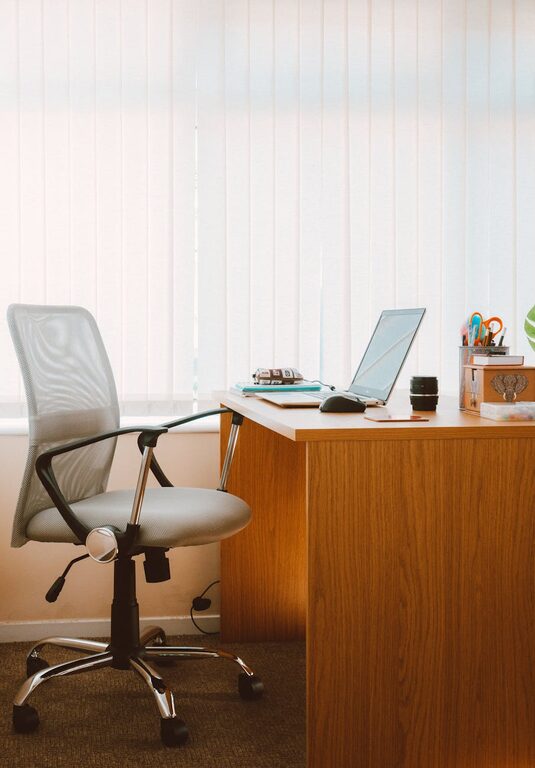
Creating a productive home office space is essential for anyone working remotely or managing tasks from home. A well-organized and thoughtfully designed workspace can help improve focus, reduce stress, and make your workday more efficient. Whether you have a dedicated room or a small corner, these tips will guide you to set up a home office that supports your productivity.
When setting up your home office, pick a space that limits distractions and allows you to focus. Ideally, this area should:
– Be quiet and away from high-traffic zones.
– Have natural light to reduce eye strain and boost mood.
– Offer enough room for your desk, chair, and any equipment you need.
If you don’t have a separate room, consider using room dividers or screens to create a defined workspace.
Your furniture plays a big role in creating a productive workspace. Here are some essentials:
– Desk: Choose a desk with enough surface area for your computer, documents, and other tools. Adjustable desks are great for alternating between sitting and standing.
– Chair: Invest in an ergonomic chair that supports your posture and provides comfort during long work hours.
– Storage: Use shelves, filing cabinets, or storage boxes to keep supplies organized and off your desk.
Comfort and functionality should come first—avoiding discomfort can help you stay focused longer.
A clutter-free space leads to clearer thinking. To keep your office organized:
– Use organizers like trays, bins, or drawer dividers for office supplies.
– Label files, folders, and containers to easily find what you need.
– Keep only essential items on your desk; store everything else.
– Schedule weekly or monthly decluttering sessions to maintain order.
Digital organization is important too—consider tidying up your desktop and email inbox regularly.
Proper lighting can boost productivity and minimize fatigue:
– Utilize natural light when possible by placing your desk near a window.
– Use adjustable task lighting such as a desk lamp for focused work.
– Select bulbs with a color temperature around 4000K-5000K for bright, neutral light.
– Position screens to reduce glare and reflections.
Taking short breaks away from screens also helps reduce eye strain.
Adding personal touches can make your home office inviting and motivating:
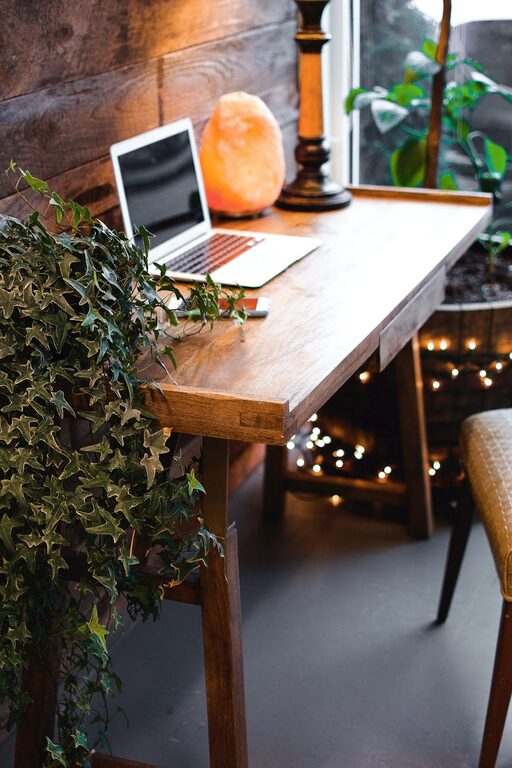
– Decorate with inspirational artwork, photos, or plants.
– Use a color scheme that makes you feel energized or calm.
– Add textures and soft elements like rugs or cushions to increase comfort.
– Incorporate items that reflect your style and personality but avoid overcrowding the space.
When designed with your preferences in mind, your workspace will feel like a place you want to spend time.
A smooth tech setup helps minimize disruptions:
– Ensure your internet connection is reliable.
– Organize cables with clips, sleeves, or under-desk trays.
– Position monitors at eye level to improve posture.
– Use a keyboard and mouse that are comfortable and responsive.
– Maintain backups and consider a surge protector to safeguard your equipment.
Keeping your technology user-friendly reduces frustration and saves time.
A clearly defined schedule and space help separate work from home life:
– Define your working hours and share them with family or housemates.
– Use your office space only for work to mentally separate tasks.
– Take regular breaks away from your desk to refresh.
– Maintain routines like starting your day with planning or tidying up before finishing.
Boundaries help maintain work-life balance and keep your productivity consistent.
A clean, fresh environment contributes to well-being and focus:
– Dust surfaces regularly and vacuum or sweep the floor.
– Open windows for fresh air whenever possible.
– Use air purifiers or plants that improve indoor air quality.
– Keep snacks and beverages confined to specific containers to avoid mess.
A healthy workspace supports your energy levels and concentration.
—
By investing some time and thought into organizing your home office, you can create a space that encourages productivity and makes remote work more enjoyable. Remember that small changes add up, and regularly revisiting your setup will help keep your workspace efficient and inspiring.